
HungryTech Command Center
A governed way to improve institutional software
Command Center is the controlled workspace behind existing-system improvement. Institutional users describe what they need in plain language; the technical coordination, evidence and repository work happen behind the scenes.
- A working product, in use today
- No GitHub knowledge required of institutional users
- Screenshots below have institution identifiers redacted
The workflow
Understand, clarify, assess, implement, review, test, approve
Every task follows the same route. What changes with risk is how much evidence and review the task must produce before a person is asked to approve it.
Describe the requirement. Preserve the knowledge. Prove the work. Deploy with control.
Understand
Verified knowledge about the connected system is loaded first, so a request is interpreted against how the system actually works.
Clarify
Missing requirements are resolved before implementation. A vague request becomes a brief someone can agree to.
Assess
Complexity, security, operational risk and cost are classified, which determines how much scrutiny the task receives.
Implement
Work is routed to the appropriate intelligence or specialist for the assessed level of risk, then coordinated through to completion.
Review
Independent review produces evidence and corrections. The implementer does not simply approve their own work.
Test in DEMO
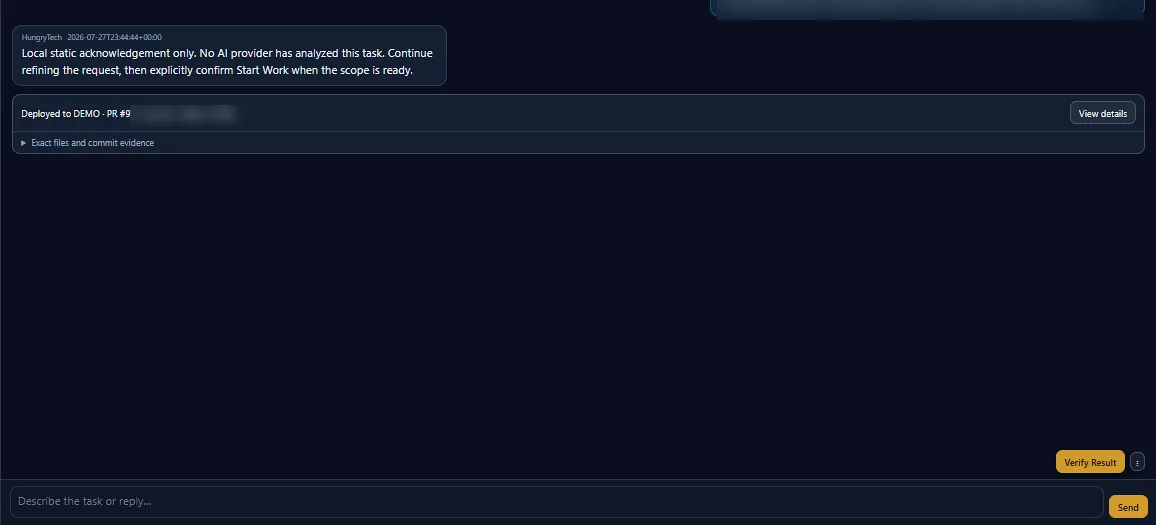
Changes are deployed to a controlled DEMO environment so the institution can test them before anything reaches live use.
Approve or improve
A person accepts the work, requests changes, or declines it. Deployment, verification and controlled recovery follow acceptance.
Inside the product
What the workspace actually shows
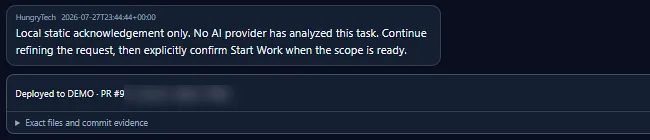
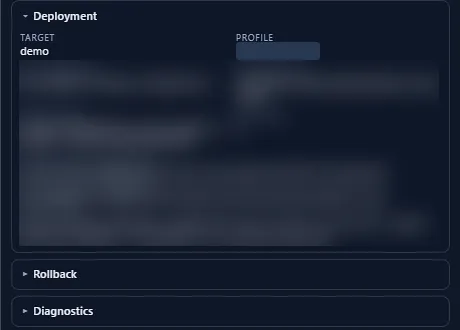
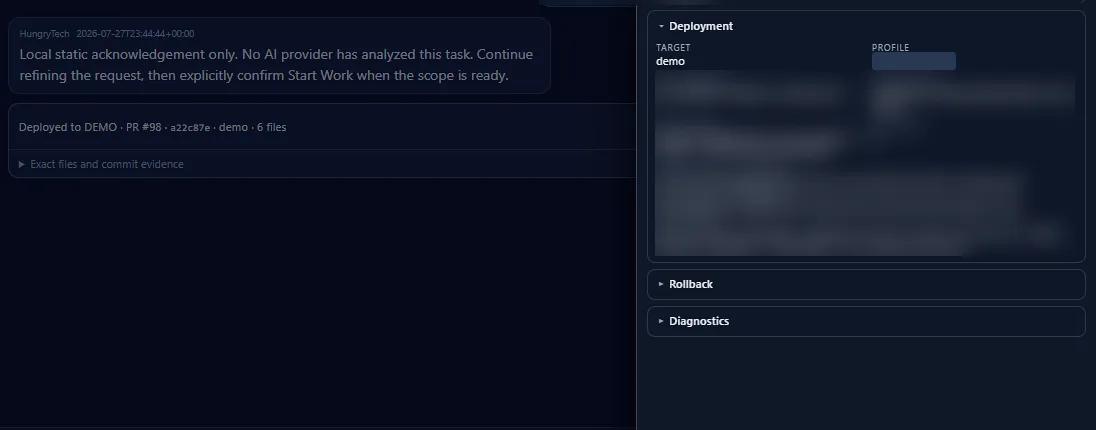
These are genuine Command Center screens. Identifiers belonging to the connected institution have been masked before publication; nothing else has been altered.
What it provides
Control that survives staff changes
The point is not automation for its own sake. It is that the institution keeps understanding, evidence and authority as the software changes.
- Plain language in, engineering outInstitutional users describe the change they want in ordinary words. Repository operations stay behind the scenes — no GitHub knowledge is required.
- Preserved system knowledgeVerified understanding of the connected system is retained and reused, so continuity does not depend on one person remaining available.
- Risk-appropriate routingSimple tasks stay simple. Finance, permissions, security and database work receive advanced reasoning, specialist review and human approval.
- Traceable recordsRequirements, tests, reviews, decisions, files and commits remain linked to the task that produced them.
- Controlled DEMOA separate environment where the institution can see and test a change in context before accepting it.
- Deployment and recoverySupported deployments record what was released, and retain rollback and diagnostic information.
Security and governance
Where the controls sit
These are the specific controls the workflow applies, and they tighten as the assessed risk of a task rises.
Controlled access
Users receive permissions appropriate to their role.
Approved requirements
Important work begins from a clear, agreed brief.
Risk-based review
Higher-risk tasks receive stronger scrutiny.
Independent verification
The implementer does not simply approve their own work.
Human authority
People approve consequential requirements and releases.
Recovery and traceability
Supported deployments retain evidence, backup and recovery records.
| Tier | Typical work | Intelligence | Assurance |
|---|---|---|---|
| Efficient | Text, layout and isolated routine work | Focused implementation | Light review |
| Capable | Business logic and contained workflow changes | Normal reasoning | Standard review and testing |
| Frontier | Finance, permissions, security and database risk | Advanced reasoning | Specialist review and human approval |
Scroll the table sideways to see every column.
Common questions
What institutions ask about Command Center
Do our staff need technical or GitHub knowledge?
No. Ordinary institutional users describe the change they need in plain language. Repository operations, branches and commits stay behind the scenes.
Does AI make decisions about our system?
AI accelerates delivery; people retain authority over consequential decisions. Higher-risk work receives specialist review and requires human approval before release.
How do we know a change was actually tested?
Review evidence, the exact files and the commits behind a change stay linked to the task, and changes are deployed to a controlled DEMO environment for the institution to test before acceptance.
What happens if a release causes a problem?
Supported deployments retain rollback and diagnostic information so a controlled recovery can be carried out, and the record of what changed remains available afterwards.
Does this replace our developers?
No. It reduces dependence on any single person by preserving verified knowledge and making decisions traceable, so understanding stays with the institution.
Next step
See Command Center against your own system.
An assessment establishes what your current system is and what improving it would involve — the same understanding Command Center works from.
The button opens WhatsApp with a short message already written. Edit it before you send.
- Call+256 768 768 147
- Emailinfo@hungrytech.io
- Find usSenior Quarters, Mbale, Uganda